v2.0.1 · Windows 10 and 11 (64-bit) Free: 2 full series a day · no card needed
Windows 10 and 11, 64-bit
TikTok short dramas and PineDrama
MP4, up to 1080p
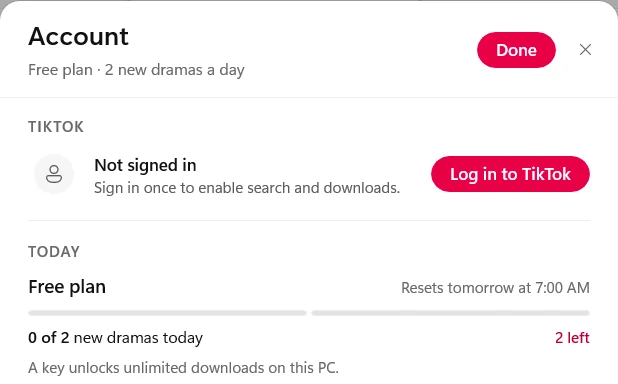
Sign in once with your TikTok account
Pay by card through Paddle or with USDT (TRON)
One window, start to finish.
Every step happens in one app: find a drama, choose what to save, download it and keep it in your Library.
Two sources. One app.
How you find a drama depends on where it lives. Everything after that works the same.
TikTok short dramas
Browse, search or paste
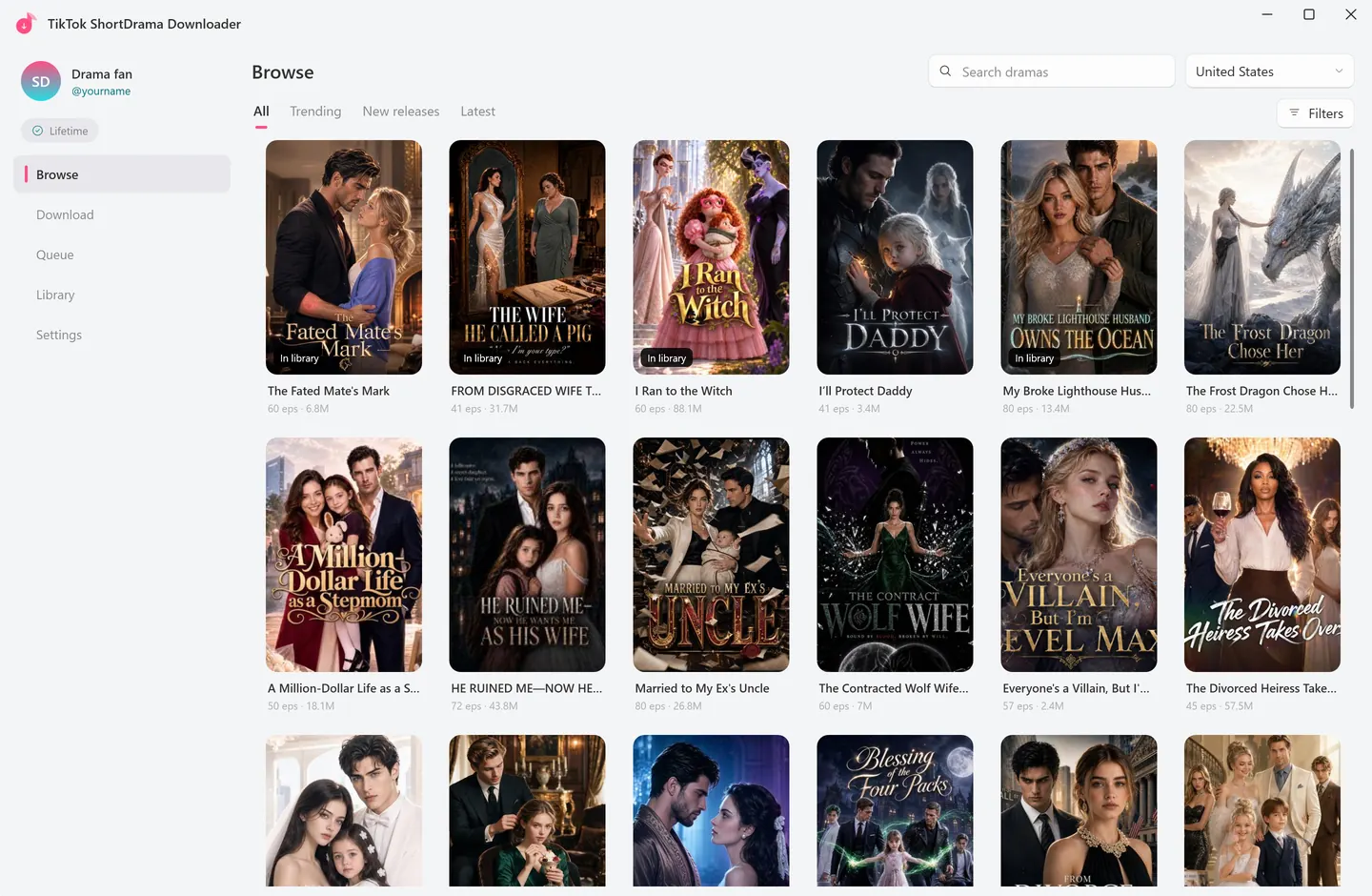
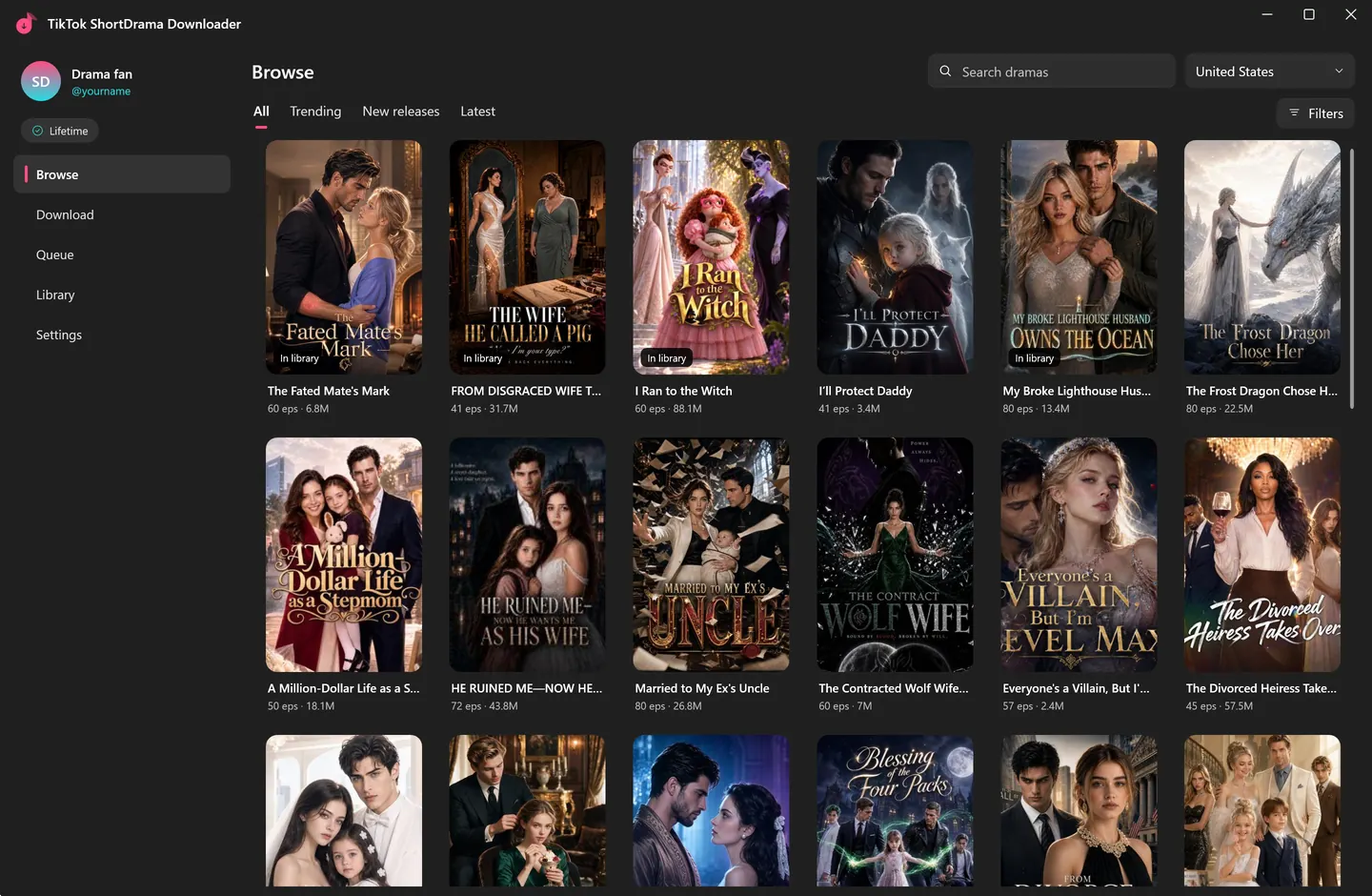
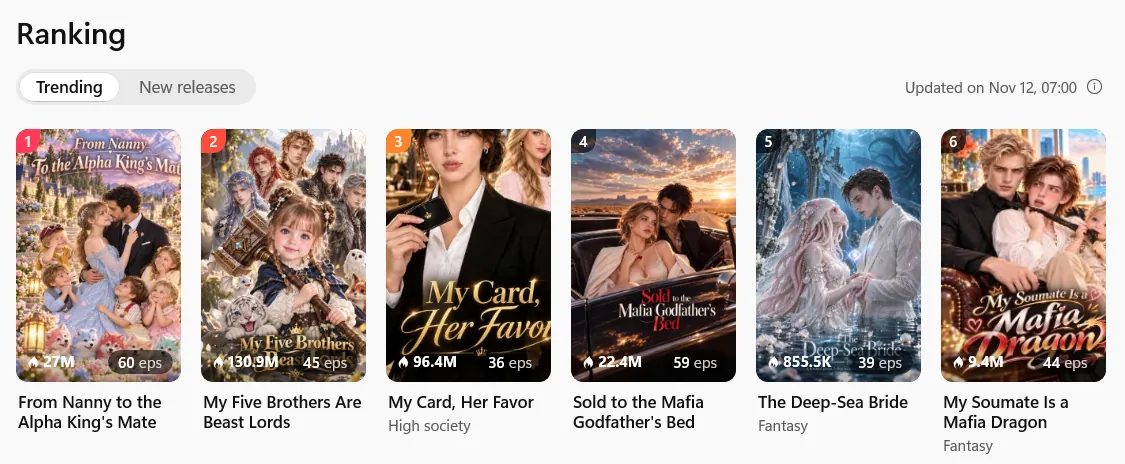
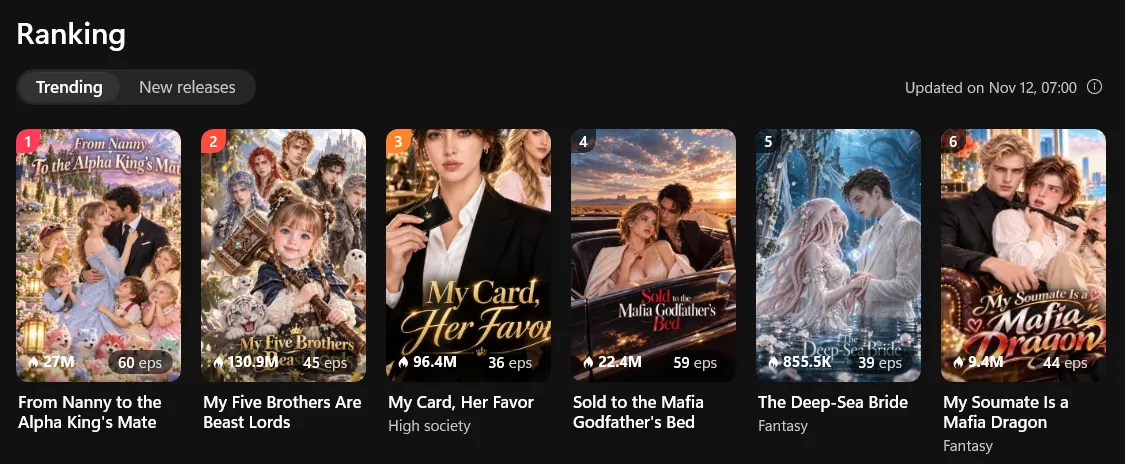
Browse with TikTok’s own filters, plus Ranking and Latest
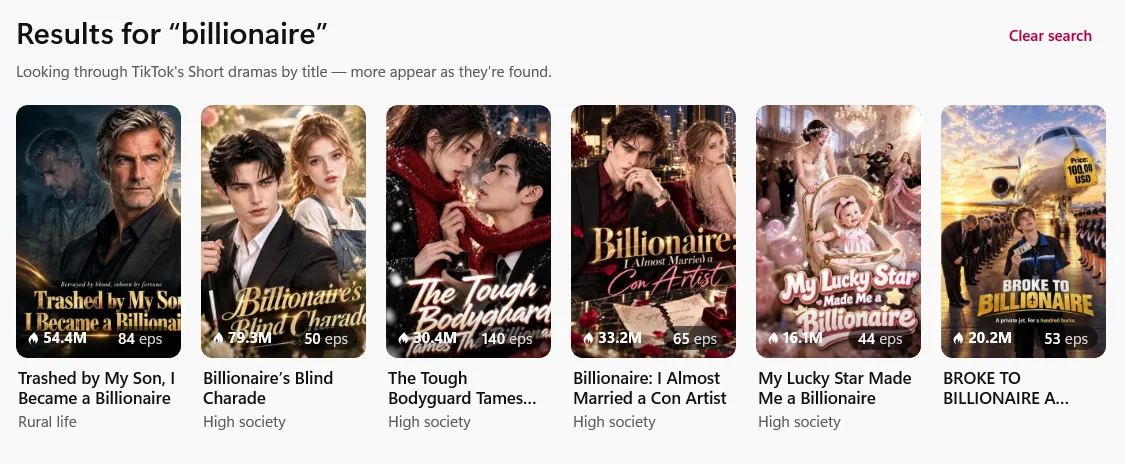
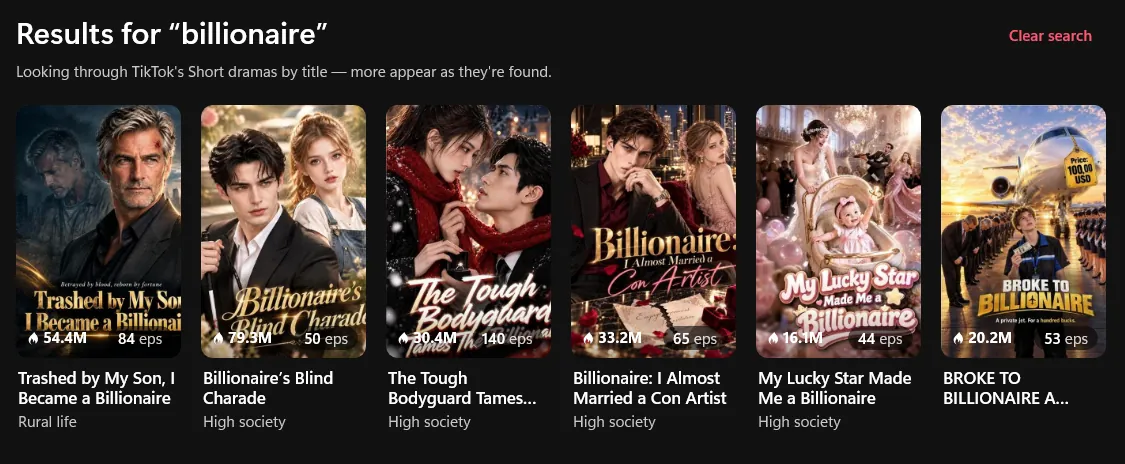
Search TikTok’s Short dramas by title
Paste TikTok links: dramas, single videos or a creator’s @profile
Paste many links at once and download them all
PineDrama
Paste a PineDrama link
Copy a share or episode link from the PineDrama app or website
Paste one link or many, one per line
Mix PineDrama and TikTok links in one paste
Browse and title search are for TikTok’s short dramas. For PineDrama, paste a link.
Then it’s the same for both: choose episodes, quality and subtitles, and download to your PC.
Beyond short dramas
TikTok videos, free. Whole profiles, too.
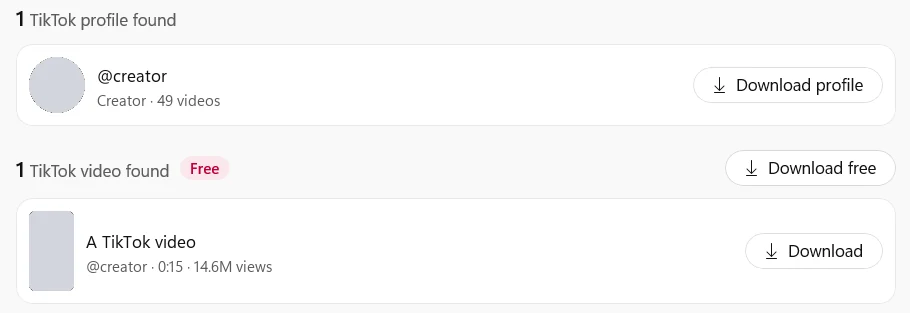
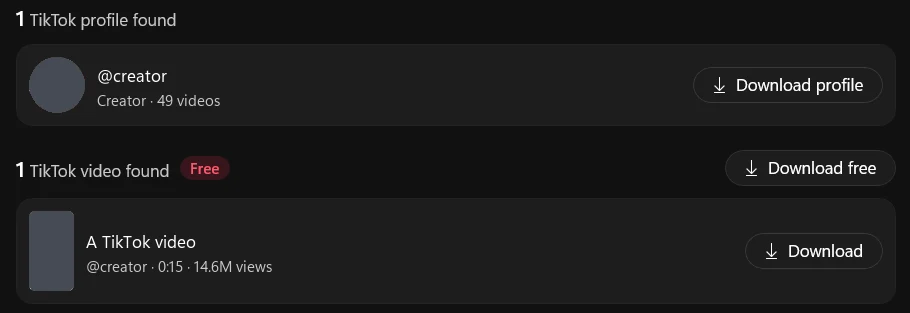
Paste a link to an ordinary TikTok video and TokDrama saves it, free on every plan. Paste a creator’s @profile and it saves the whole profile in one go.
Single videos never count toward the Free plan’s 2 dramas a day
A profile with no short dramas saves all of its videos, numbered from the oldest
A whole profile counts as one drama, so the Free plan saves up to 2 a day
A creator with short dramas gives you those dramas instead
Photo posts, lives, sounds and private videos are not supported.
Whole series, or just the episodes you pick.
Batch downloads, every available quality up to 1080p (HEVC, or H.264 at 540p), and a Library for everything you keep.
The whole series in one click
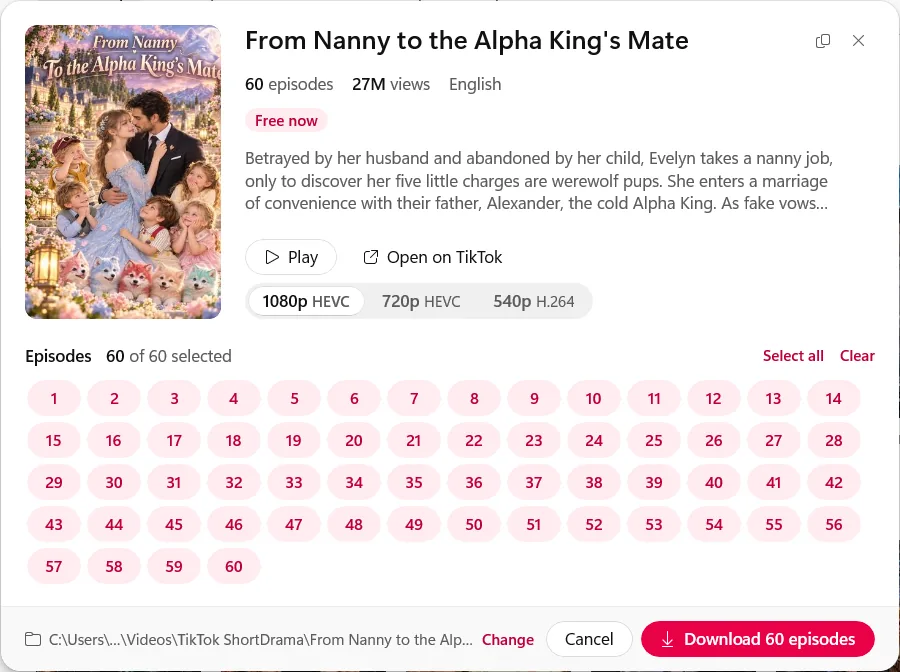
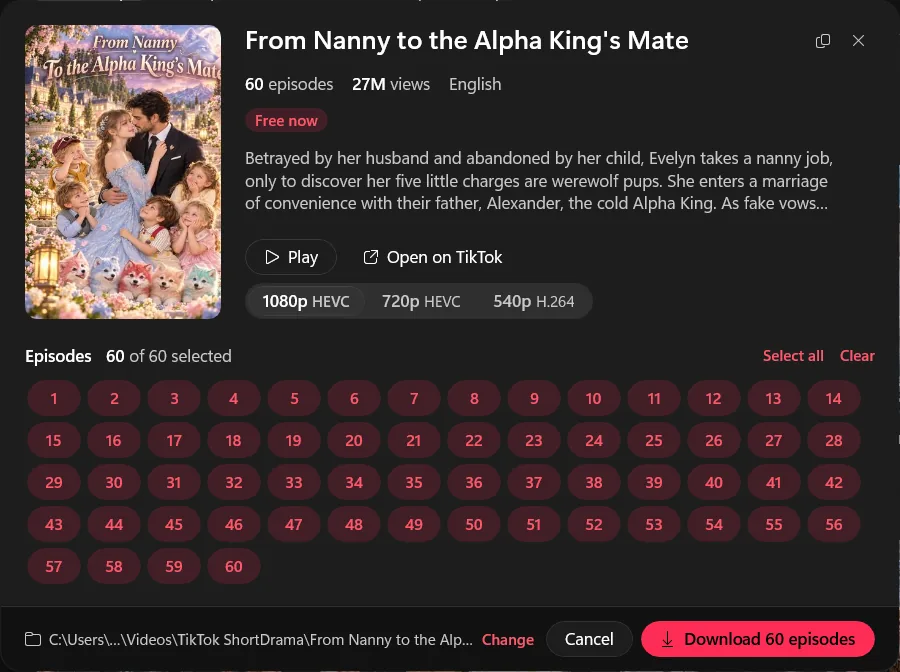
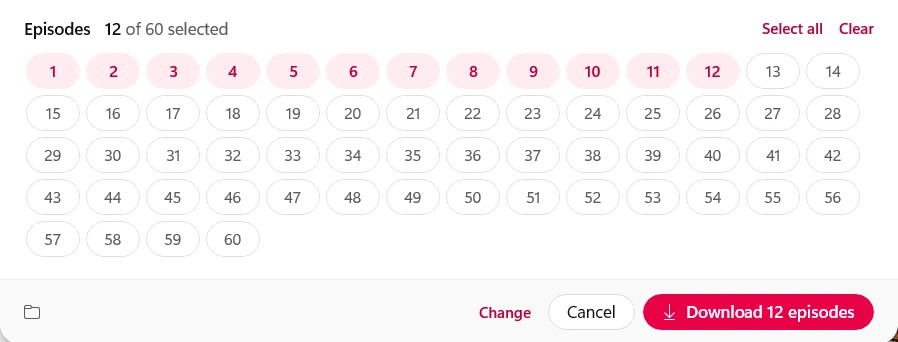
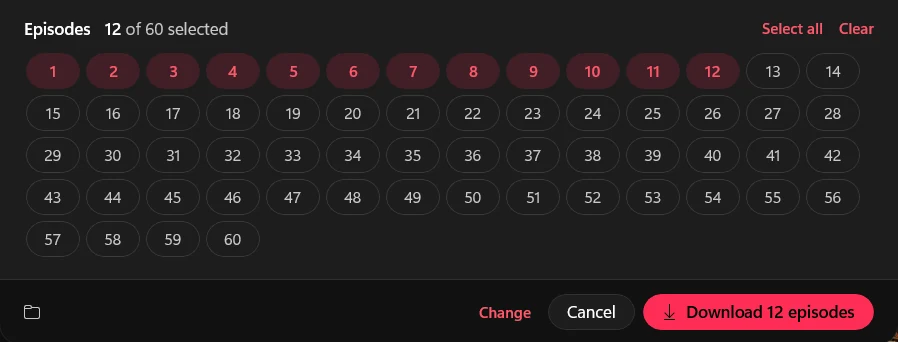
Every episode starts selected, so one click downloads them all. Want fewer? Click the ones you don’t want, or Clear and pick a few.
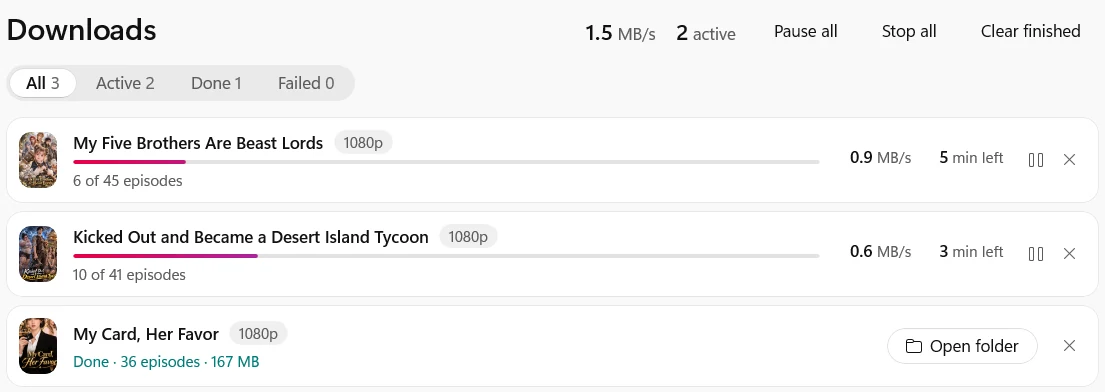
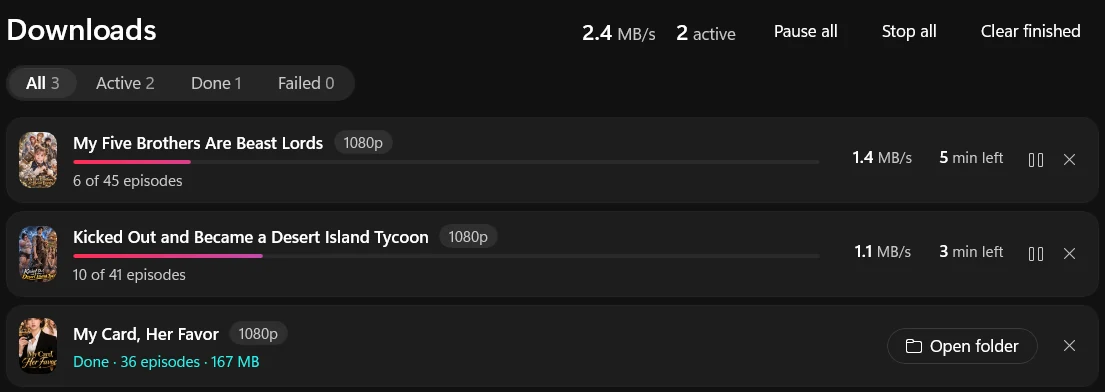
Batch downloads, up to 16 at once
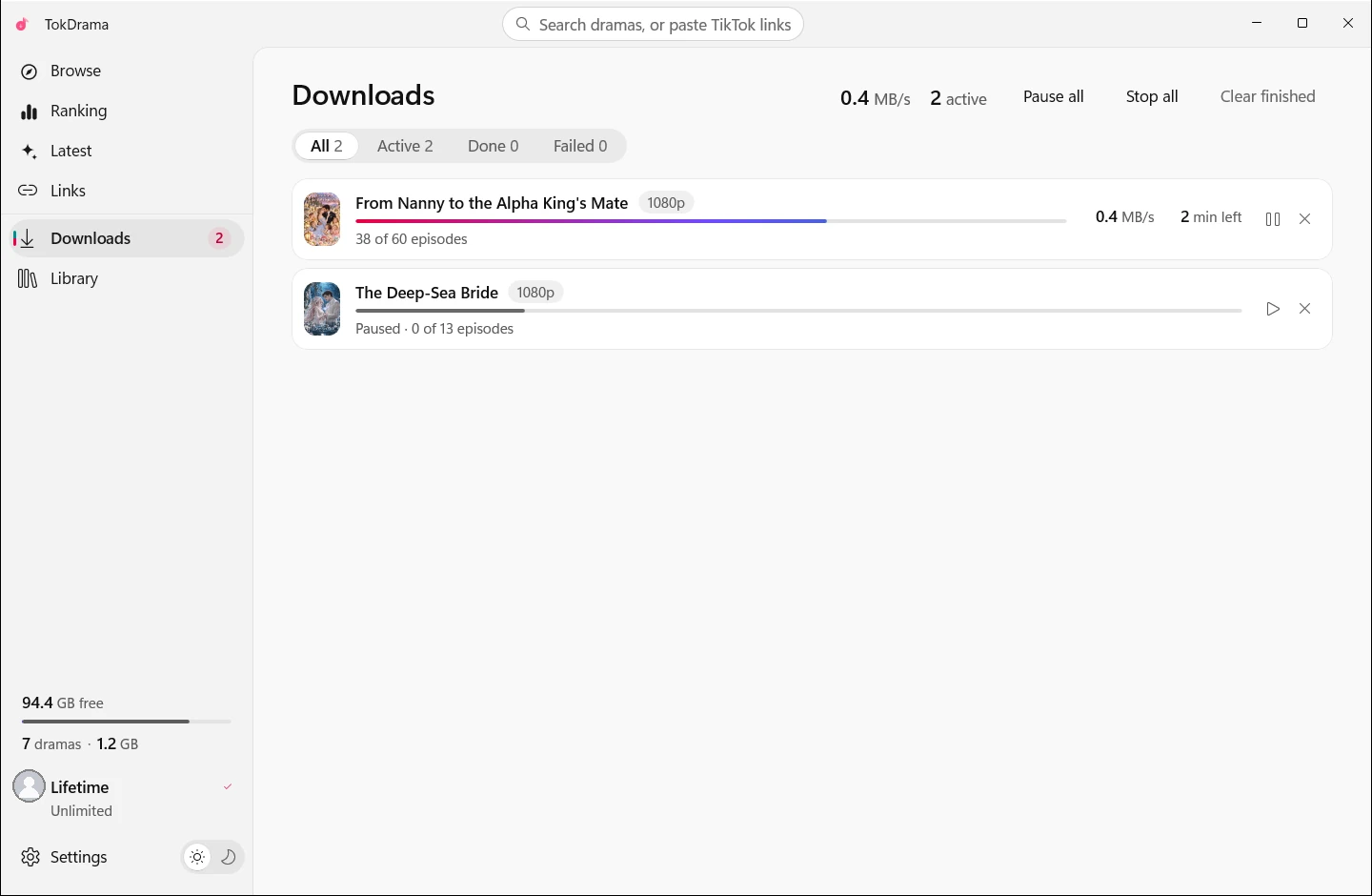
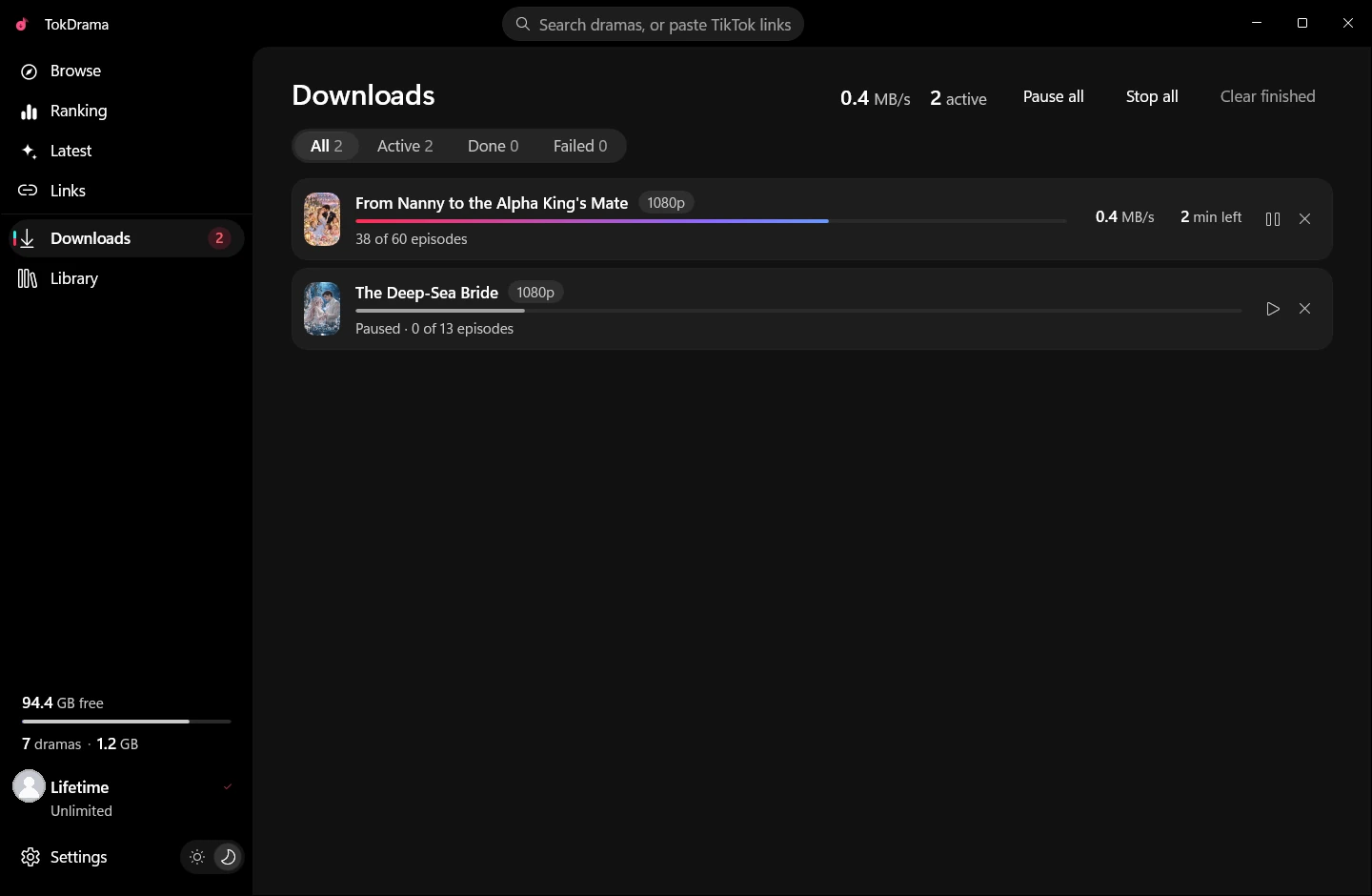
Queue many series at once and follow each one’s progress. Close the app mid-download and resume the rest next time.
Parallel downloads
16
episodes at once
Up to 4 series at a time, and up to 16 episodes downloading together.
Quality and codec
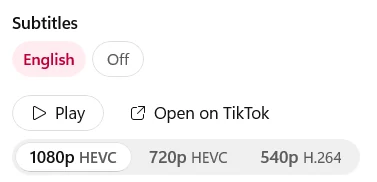
Only the tiers each drama has, up to 1080p. HEVC, or H.264 at 540p.
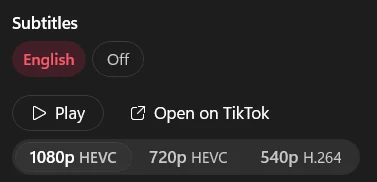
Choose from the qualities each drama really has, 1080p, 720p or 540p, with missing tiers greyed out: HEVC at 1080p and 720p, H.264 at 540p. Add subtitles where available.
Your Library
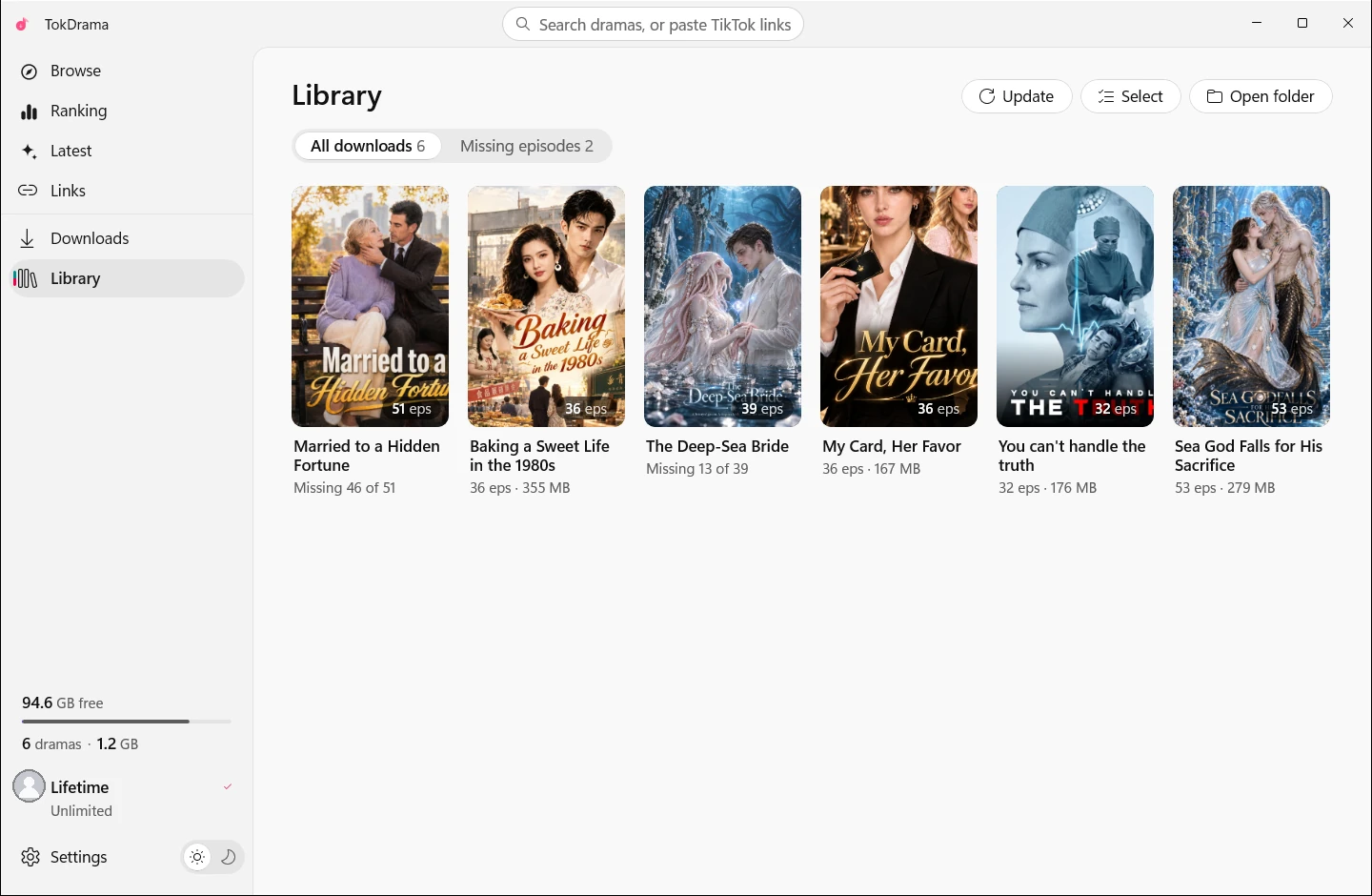
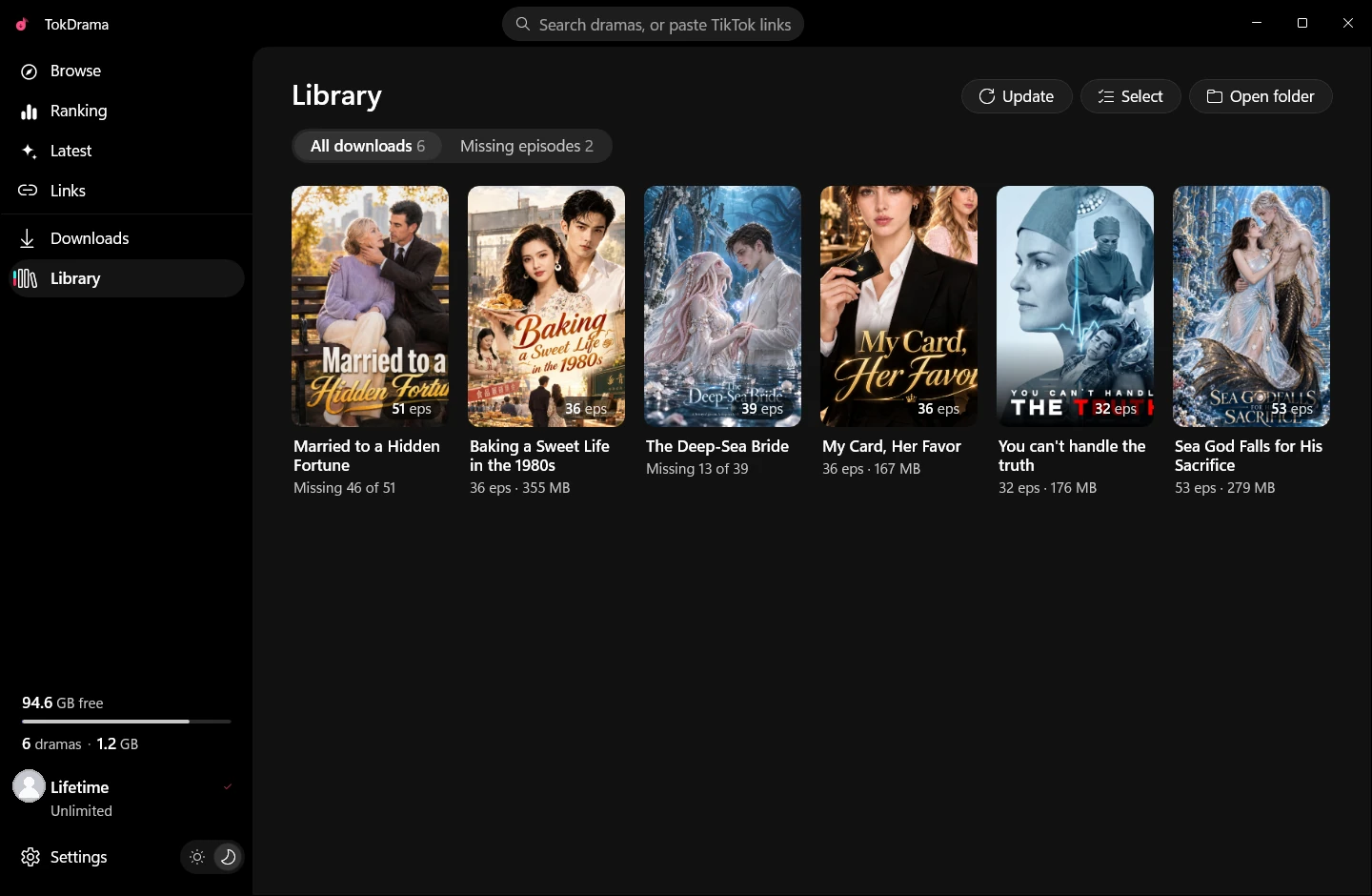
Your saved series as a cover grid. Press Play to watch one in the app, Update to get missing episodes, Merge for one file, or open its folder.
Browse TikTok’s Short dramas
TikTok’s own filters, plus Ranking and Latest. Dramas you already have are marked Downloaded.
Search and paste
Search TikTok’s Short dramas by title, or paste links one per line: dramas, single videos or whole profiles.
Built-in player
Watch right in the app.
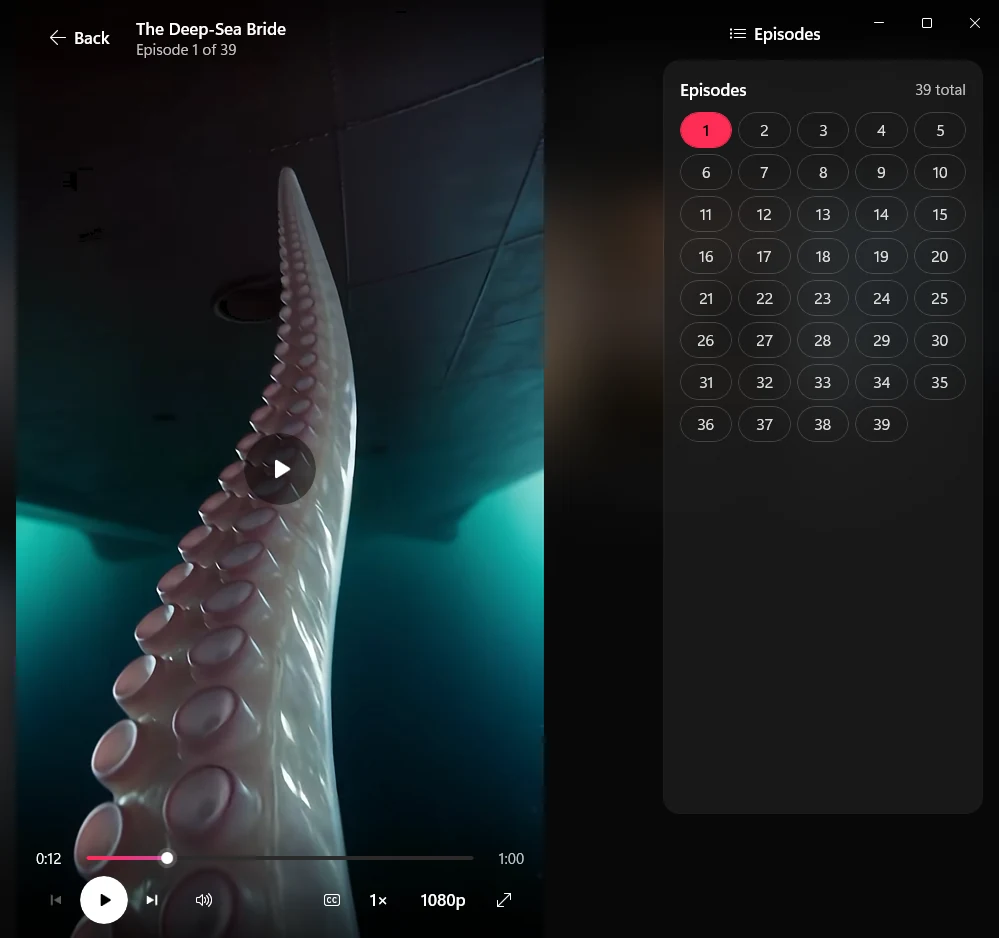
Press Play on a series and it opens in TokDrama’s own player, free on every plan.
Episodes on your PC play from your PC; the others play from TikTok when you’re signed in, up to 1080p
The next episode starts with no wait
Subtitles over the picture when an episode has them: choose CC, or press C
Your MP4s also play in any video player that supports HEVC
Three steps to your first series.
1
Install and sign in once
Install the app on Windows 10 or 11, then sign in to your TikTok account inside it. You only do this once.
one-time sign-in
2
Find a drama
Browse TikTok’s Short dramas, search by title, or paste a TikTok or PineDrama link.
browse · search · paste
3
Download and binge
Take the whole series or only the episodes you pick, choose the quality, and download. MP4s land in your folder, ready to watch offline.
MP4 · your folder
Free plan · $0
Two full series, free, every day.
Pick any 2 dramas today and download every episode to your PC. Tomorrow, pick 2 more.
Yes. The Free plan downloads 2 full series every day, every episode of both, with no card needed. A drama you start stays free to finish. Upgrade only if you want more.
Can it download ordinary TikTok videos, or a whole profile?
Yes. Paste a link to an ordinary TikTok video and the app saves it, free on every plan; single videos never count toward the Free plan. Paste a creator’s @profile and, when it has no short dramas, the app saves all of its videos, numbered from the oldest; on the Free plan the whole profile counts as one drama. A profile with short dramas gives you those dramas. Photo posts, lives, sounds and private videos are not supported.
Why do I sign in with my TikTok account?
The app downloads dramas through your own TikTok account, and search and pasted links use it too. You can browse before you sign in; you sign in once, on TikTok’s own login page inside the app, and you are set.
Can I download from PineDrama?
Yes. Copy a share or episode link from the PineDrama app or website and paste it into the app’s Links tab. Paste several, one per line, to get them all. Browse and title search are for TikTok’s short dramas. For PineDrama, paste a link. Which PineDrama links work is explained on our PineDrama page.
Where do my downloads go?
Into a TikTok ShortDrama folder in your Videos folder, with a folder for each series, as MP4 files that play offline. You can change the location any time, and the Library tab shows everything you have saved.
Can I watch episodes in the app?
Yes, free on every plan. Play opens a series in the app’s own player: episodes on your PC play from your PC, the others from TikTok when you are signed in, up to 1080p, and the next episode starts with no wait. Subtitles show over the picture when an episode has them: choose CC, or press C. Your MP4s also play in any video player that supports HEVC.
Which quality and codec do I get?
Every quality the drama has, up to 1080p: 1080p, 720p or 540p. Tiers it lacks are greyed out, and an episode without your tier gets the next best. 1080p and 720p are HEVC, for smaller files; 540p is H.264, which plays almost anywhere, and a setting can also make an H.264 copy for older players. Same on every plan, including Free.
What if I get a new PC?
One licence key works on one PC. You can move it to your new PC yourself, once every 7 days.
Is this an official TikTok app?
No. TokDrama is an independent app by ShortDrama Downloader. It is not affiliated with TikTok, ByteDance or PineDrama.
Start with two free series today.
The Free plan downloads 2 full series a day, every episode, with no card needed. Go unlimited whenever you want.